- BDE-VIAD-V-2020.04.20F.001
- Week 2 | 12. – 15. May
- BDE-VIAD-V-2020.04.20F.001
- Week 2 | 12. – 15. May
Section outline
-

-
Week 2

-
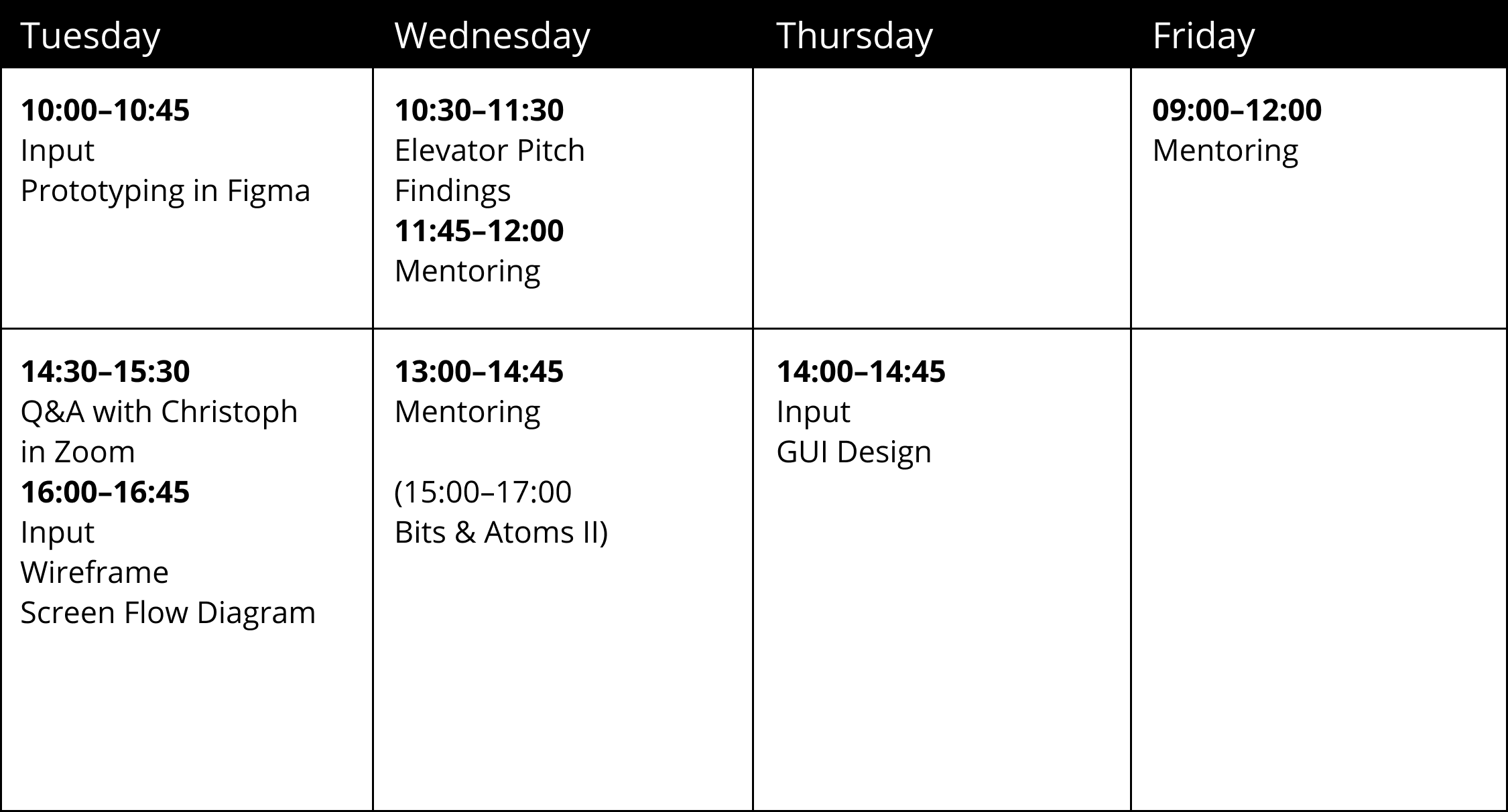
Tuesday
-
Wireframe Input
Tuesday, 12. May 2020, 09:00–10:00
Please read and watch the following PDF, Websites and video before our Input «Wireframe Screen Flow Diagram»!
App-Design_Wireframe.pdf
https://careerfoundry.com/en/blog/ux-design/what-is-a-wireframe-guide/
https://t3n.de/news/ux-flow-chart-diagramm-597122/
Task
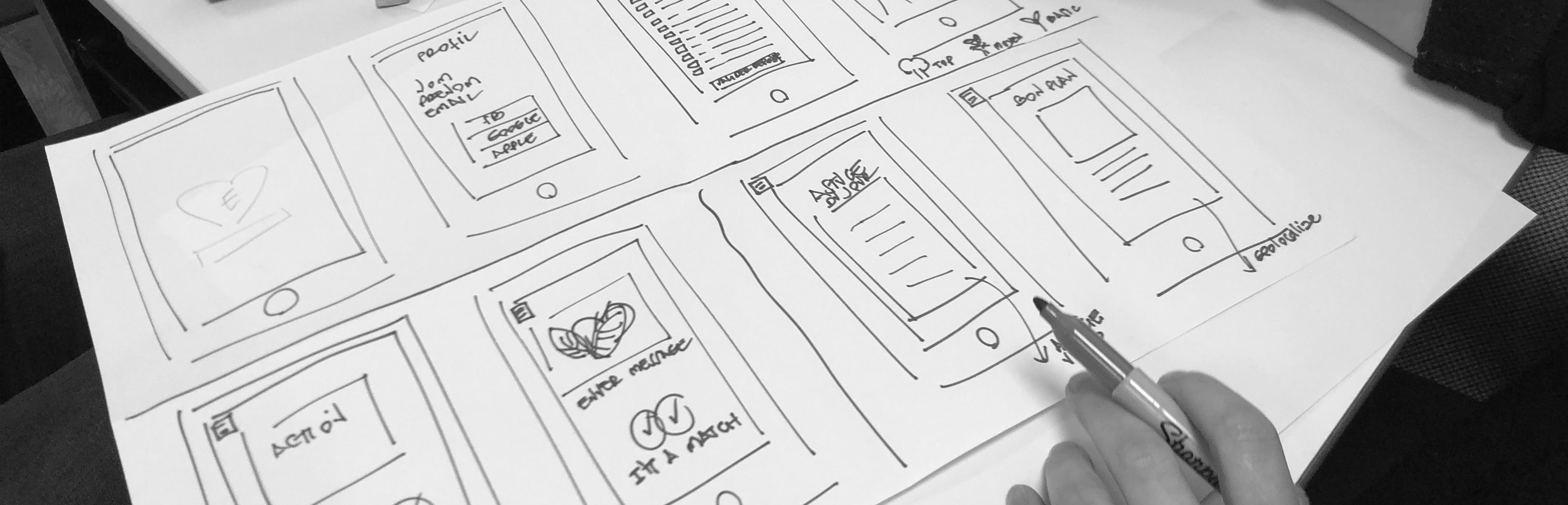
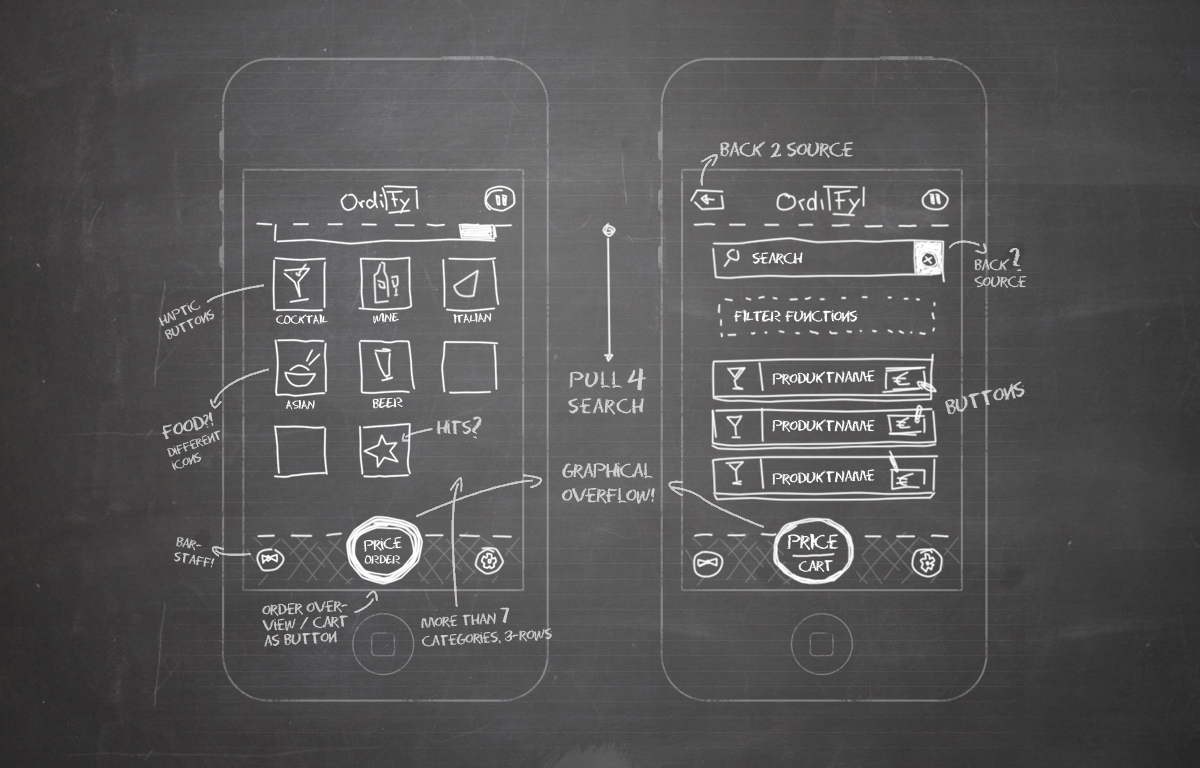
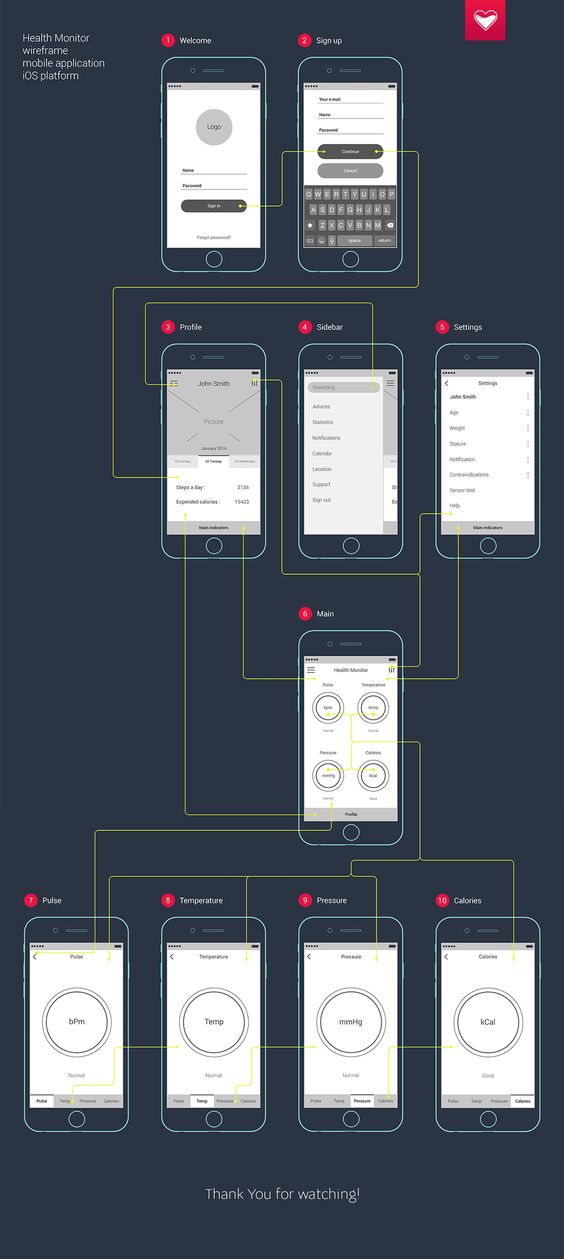
Start with pen and paper to put the first ideas for the wireframe on paper. Please place this sketches on the Figma whiteboard, too. Once you have sketched out the concept using hand sketches, you will beginto translate it into digital wireframes. At the end you creat a wireframe screen flow diagram. Your task is to show in that chart a more extensive physiotherapy intervention.Wireframe hand sketch
Wireframe screen flow diagram
Q & A with Dr. Christoph Bauer #2
Post your questions to Dr. Christoph Bauer here.
They will be answered in the Q&A Session
on Tuesday, 12.05.2020 at 14:30.Google Docs
https://docs.google.com/document/d/1C-NaWfyra2X_u6LX1DUABaIaQ7rOox42e3L-u-LM2fU/edit?usp=sharingZoom
https://zhdk.zoom.us/j/96447299245?pwd=aFRYVTU4STFlbjNKdDNOY1lvdzkwdz09
PW: 593432
-
Wednesday
-
Pitch your findings
How can we share the knowledge you've gathered during the
discover phase? With an (elevator) pitch!
Every group will present their findings in a 5 min pitch.Followed by a 2 min feedback round.10:30–10:37 | Group 610:40–11:47 | Group 510:50–10:57 | Group 411:00–11:07 | Group 311:10–11:17 | Group 211:20–11:27 | Group 1 -
Mentoring
We would like to see and talk about the following points in this mentoring:- Ideas/approaches how to solve the interface requirement. Choose a suitable method to get closer to the solution.- Hand sketches of wireframesWe have 15min per group (+ some minute in-between for changing zoom rooms).11:45–12:00 | Group 31h lunch break13:20–13:35 | Group 513:40–13:55 | Group 415 min break14:10–14:25 | Group 214:30–14:45 | Group 6 -
Thursday
-
Moodboard Input
Thursday, 14. May 2020, 09:00–10:00Please read the following PDF before our Input „GUI Design“Task
Creat a moodboard for you application which you are concepting in the moment.Place your moodboard on your Figma whiteboard until Friday, 15. May 2020, 09:00Micro Interaction and Animation Input/Inspiration
Button Design. Read Article.Here’s a tip:Combine your buttons with other design elements, such as a progress bar,different button states, different dynamic effects and moreConsiders whether a human body would work instead of a car!This work is close to your topic.Just nice! -
Friday
-